Controlled Access
Give Every User the Right Level of Access
In B2B commerce, different users require different levels of visibility and control. Buyers need to place orders, managers need oversight, administrators need full account control, and some users may only need to research product information.
The Controlled Access module helps businesses define exactly who can view information, perform actions, and manage company resources, ensuring greater security, accountability, and operational control.
Role-Based Access for Company Users
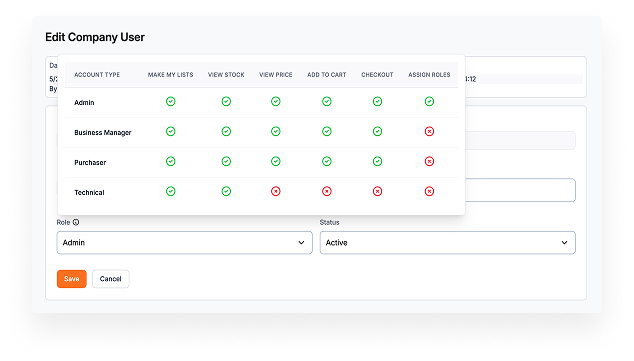
Every user within a company account can be assigned a specific role, each with its own permissions and responsibilities. The platform includes predefined roles designed to support common B2B purchasing structures.

Company Admin
Full access to company account management, including user administration, company information, shipping addresses, and order visibility across the organization.

Technical / Read-Only User
Provides visibility into company information, addresses, and orders without the ability to make changes, view prices/stock or place orders.

Business Manager
Broad visibility into company activity, orders, and addresses, without access to user management and administrative functions.

Purchaser
Focused on procurement activities, allowing users to place orders and track purchases while restricting access to company settings and account management.
Administration Panel Permissions
The same level of control can be applied to your internal teams.
Administrators can define permissions for sales, operations, support, and account management teams, ensuring employees only have access to the functions required for their role.
This helps protect sensitive information while maintaining efficient day-to-day operations.
Key Benefits
- Granular permission management
- Improved operational security
- Better control over internal processes
- Reduced risk of accidental changes
Storefront Access Controls
Control what visitors can see and do before they sign in.
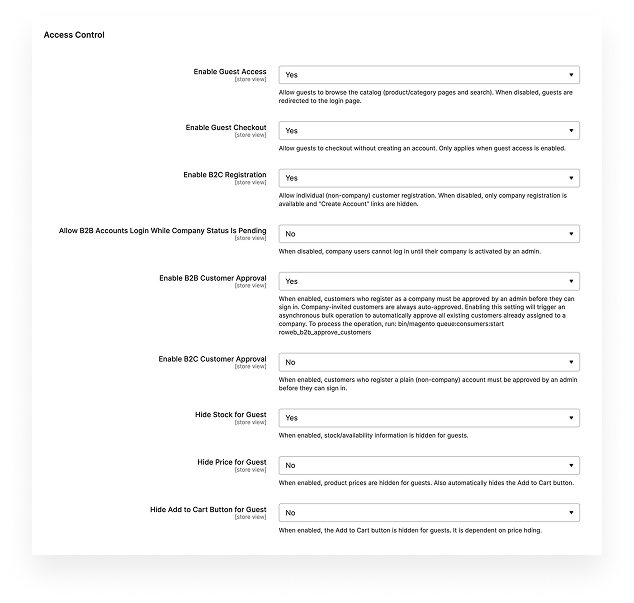
Businesses can choose whether guests are allowed to browse the catalog, register accounts, view pricing, check stock availability, or complete purchases. This flexibility allows organizations to create either fully public storefronts or private B2B portals.
Available Controls
- Guest catalog access
- Guest checkout
- B2B and B2C registration settings
- Customer approval workflows
- Pending account access
- Price visibility controls
- Stock visibility controls
Customer Approval Workflows
Ensure only approved businesses gain access to your platform.
New company registrations can be reviewed and approved before users can log in, helping protect commercial information such as pricing, product catalogs, and purchasing capabilities.
Approval workflows can be configured independently for B2B and B2C customers, providing maximum flexibility.
Protect Sensitive Business Information
Many B2B organizations prefer to keep commercial information available only to approved customers. The platform allows you to hide prices, stock availability, and purchasing functionality from non-authenticated visitors, ensuring sensitive information remains accessible only to authorized users.

Control over guest access and registration

Role-based
access control for company users

Configurable customer approval workflows

Better governance across the entire platform

Granular permissions for internal teams

Improved security and compliance

Protection
of pricing and inventory information

Keep Everyone Informed Automatically
Managing B2B customers involves much more than processing orders. New users join companies, accounts are activated, approvals are granted, and orders move through multiple stages. Without clear communication, important events can easily be missed.
Our Email Notifications module automatically keeps customers and internal teams informed throughout the entire account and order lifecycle. All templates are configurable from the administration panel and can be branded for each storefront.
Company Account Notifications
Notifications are automatically sent whenever a company account changes status.
Company Activated
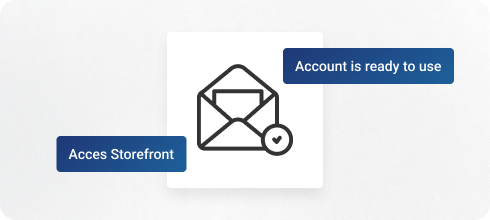
When a company account becomes active, the company owner receives an email confirming that the account is ready to use and providing a direct link to the storefront.
Company Deactivated
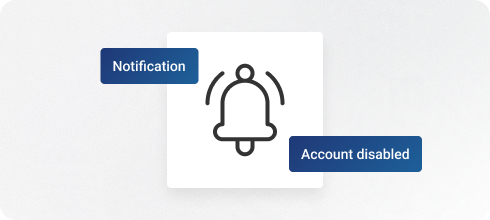
If a company account is disabled, all active users belonging to that company are notified. This ensures every affected user understands why access has changed and knows who to contact.
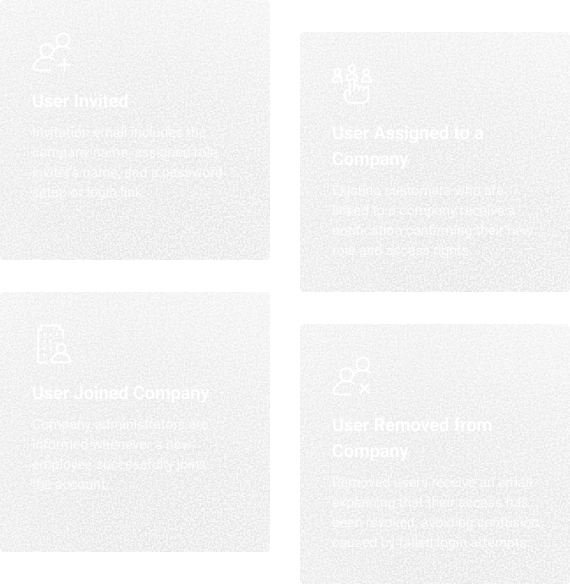
User Lifecycle Notifications
Users receive notifications whenever their membership within a company changes.
Key Benefits
- Smooth onboarding experience
- Better visibility for administrators
- Fewer access-related support requests

Order Notifications
Managers can stay informed about purchasing activity without constantly checking the platform.
New Order Placed
When a user places an order, Company Admins and Business Managers automatically receive a notification containing:
- Order number
- Company name
- Customer name
- Order total
Order Status Changed
Notifications are also sent whenever an order changes status, ensuring managers always know the current stage of fulfillment.
Benefits
- Real-time visibility into purchasing activity
- Improved collaboration across teams
- Reduced need for manual follow-up
Customer Approval Notifications
Notifications support the registration approval workflow.
Pending Approval Alert
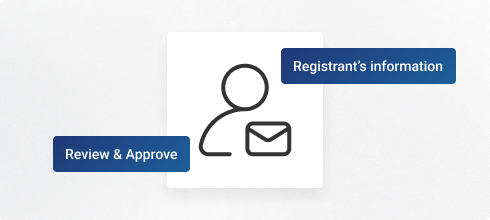
When a new company registration is submitted, designated administrators receive an email containing the registrant's information, allowing them to review and approve the account quickly.
Multiple email addresses can be configured, ensuring the right people are always notified.
Customer Approved
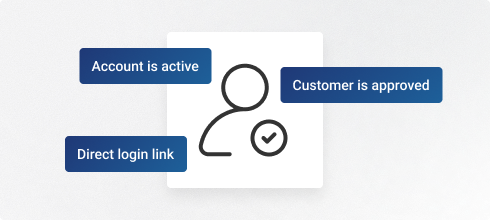
Once a customer is approved, an email confirms that the account is active and provides a direct login link.
Fully Configurable and Brandable
All notification templates can be customized directly from the administration panel.
You can configure:
- Sender identity per store view
- Email templates
- Recipient lists
- Approval notification addresses
- Branding and localization

Notification Overview
Event
Recipient
Enhanced Security
Protect Business Accounts with Multi-Factor Authentication
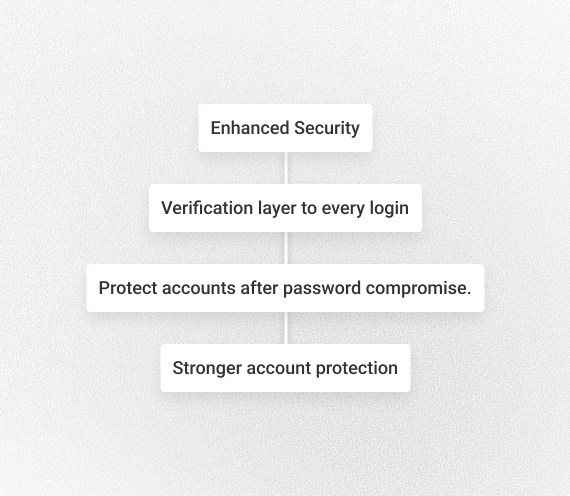
B2B platforms often contain sensitive business information, including customer-specific pricing, order history, company data, delivery addresses, and purchasing activity. Enhanced Security adds an additional verification layer to every login, helping protect accounts even if a password is compromised.
The result is stronger account protection without disrupting the day-to-day experience for legitimate users.
Flexible Authentication Options
Choose the security method that best fits your organization and customer base.
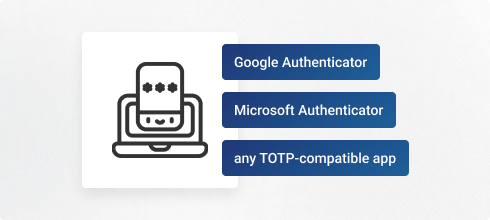
Authenticator App (2FA)
Users verify their identity using an authenticator application such as Google Authenticator, Microsoft Authenticator, or any TOTP-compatible app.
Verification codes are generated directly on the user's device, providing an additional layer of security.
One-Time Password (OTP)
Users receive a verification code via email after entering their username and password. The code is valid for a single login session and requires no additional setup or applications.
Secure Registration and Login
Security begins at account creation, not after the first login.
New users can be required to verify their email address or configure two-factor authentication before accessing their account. When customer approval workflows are enabled, the security setup is automatically aligned with the approval process to ensure a seamless onboarding experience.
Once activated, every login includes a verification step, confirming the user's identity before access is granted.

Trusted Devices
To improve usability for frequent users, the platform supports trusted devices.
Customers can choose to remember a device after successful verification, reducing the need for repeated authentication on future logins while maintaining full protection for new or unrecognized devices.
Key Benefits
- Faster login experience
- Reduced friction for regular users
- Strong security maintained across devices
Administrative Controls
Internal teams have access to management tools that simplify user support and security administration.
Key Benefits
- Protection against compromised passwords
- Secure registration and onboarding workflows
- Trusted device functionality
- Administrative recovery and reset tools
- Granular permission controls for security management